Hearth: editable furniture generator for Blender.
Build a room from 260 editable furniture and venue recipes. Search for a piece, coordinate its surfaces, keep previous revisions and export a baked copy. A compact Blender sidebar serves artists; local tools let a compatible AI assistant use the same workshop.
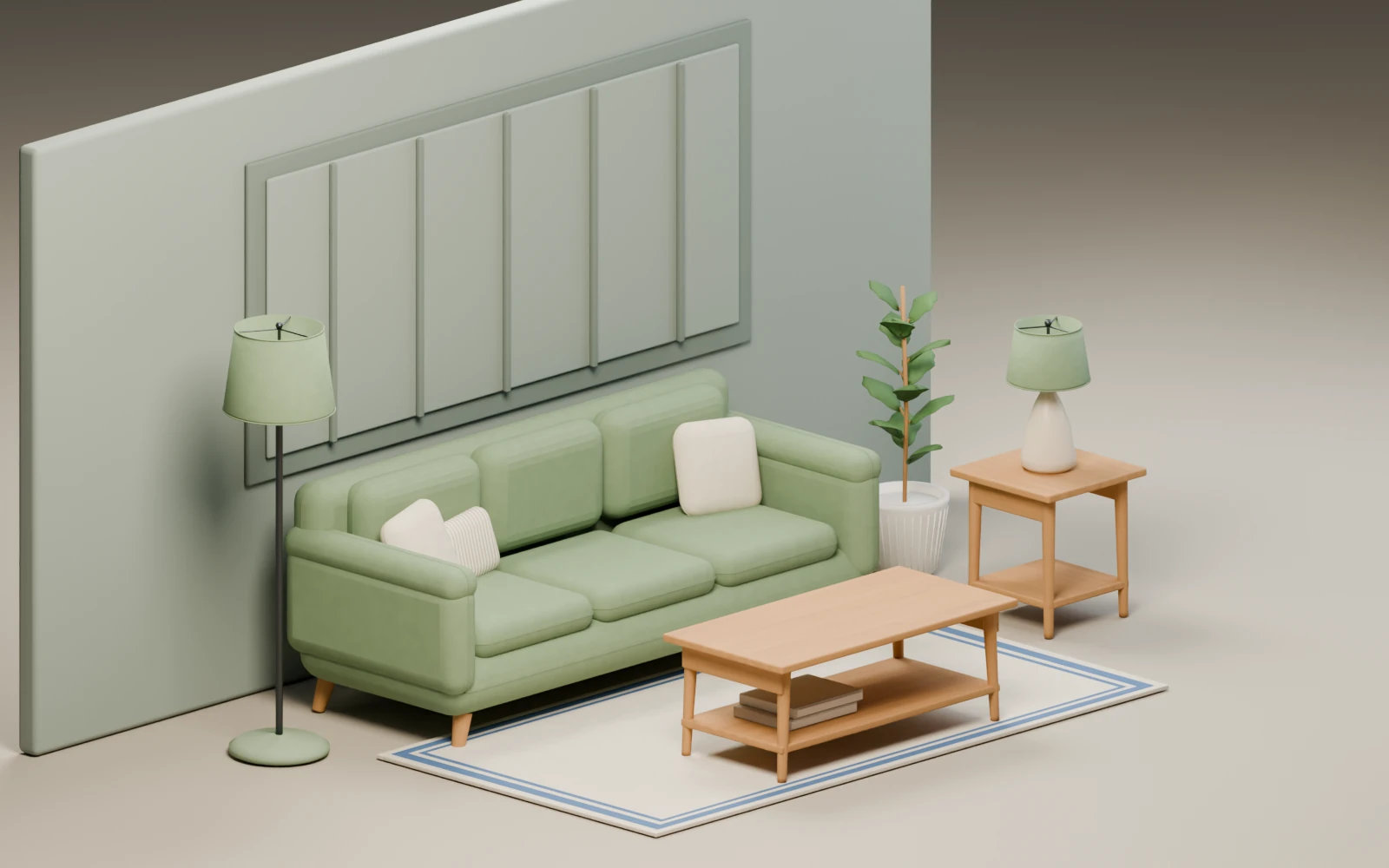
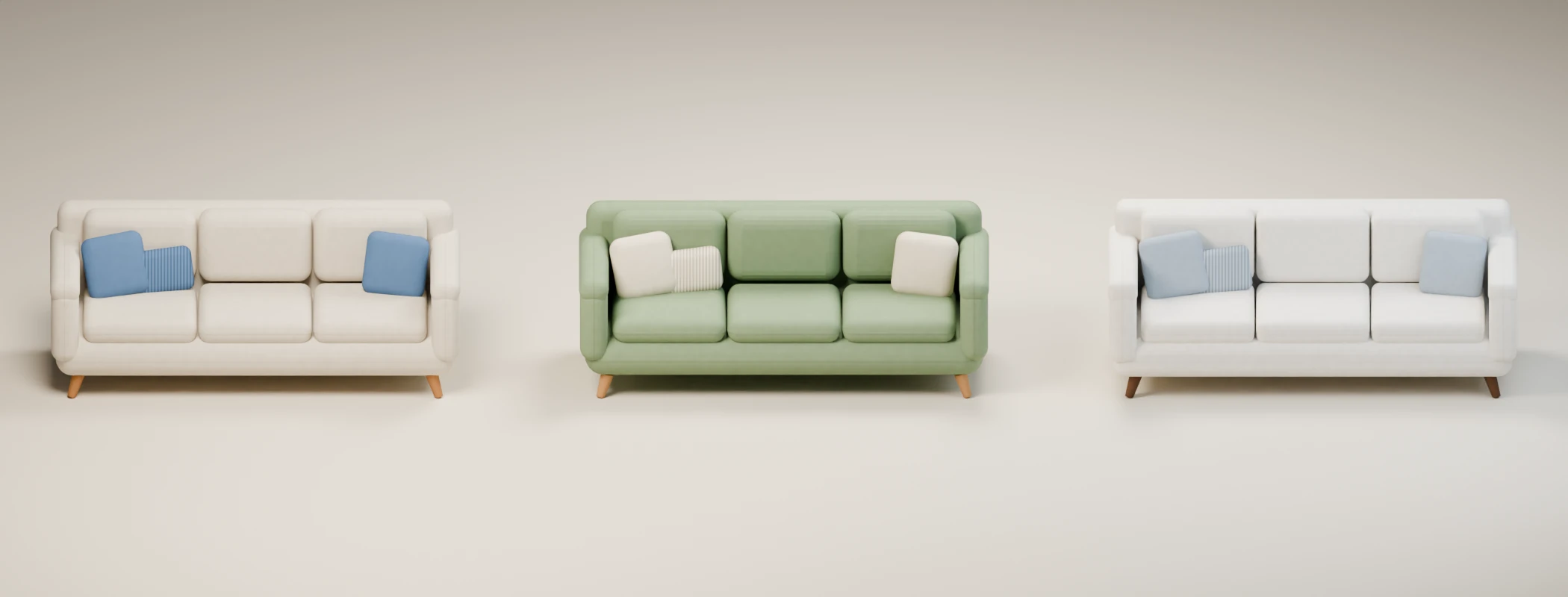
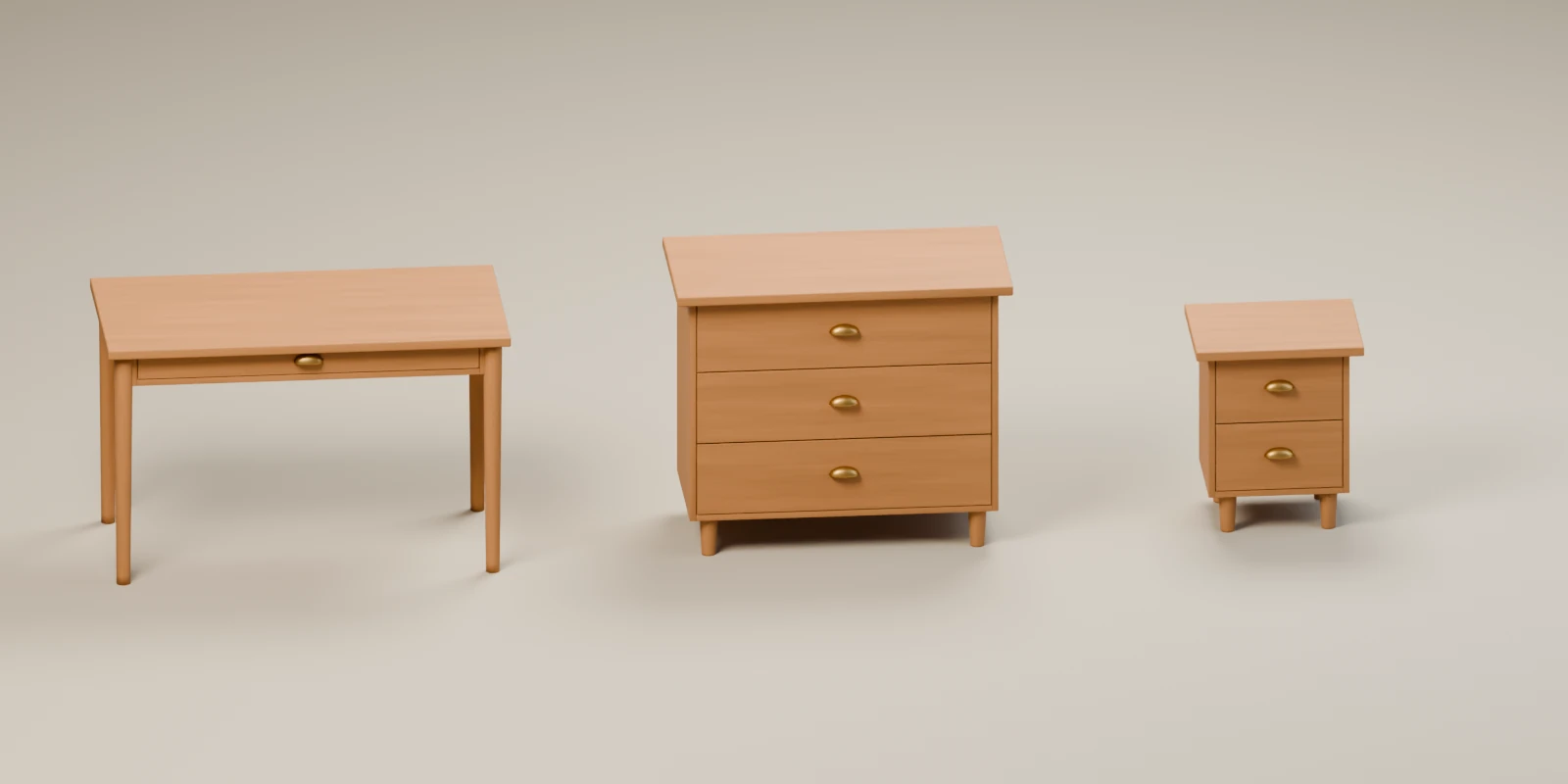
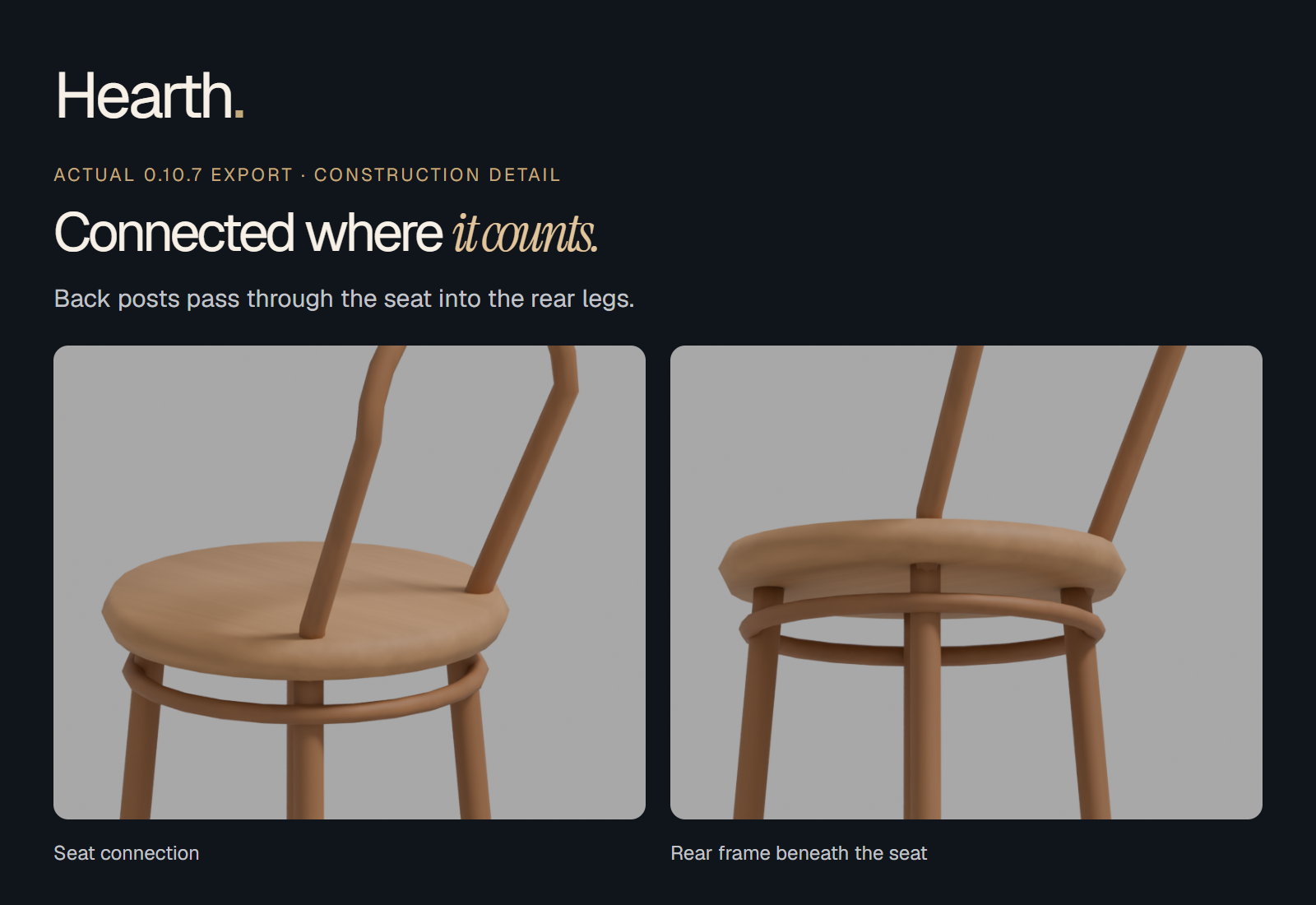
Start with a room
Choose one of four curated furniture layouts, or search 260 recipes and build piece by piece. Place the layout at the 3D cursor, choose a shared style and adjust it to your room. A captioned demo and first-room tutorial show the workflow.
Revise with confidence
Regenerate a piece while retaining its earlier version and manual edits in an archive. Compare copies side by side, inspect a 175 cm scale reference, or restore the retained version.
Use your assistant
Structured local tools cover catalog search, room creation, explicit transforms, styling, revisions, recovery, previews, placement and export. The bundled MCP adapter connects through the separately installed Blender Lab MCP. Hearth does not include a chatbot, hosted model or AI subscription.
Take a portable copy
Export a static FBX and Blender copy with textures, measured dimensions and a validation receipt. The source scene stays editable. Review materials, collision and interactions in your target engine; an export is not engine certification.
$14 launch · $24 regular
One-time purchase in USD; taxes and local currency totals are shown at checkout. Includes the add-on source, offline tutorial and commercial generated-asset rights. Supported setup: Blender 5.2.2 LTS on Windows. No subscription or built-in AI service.
Commercial art, clear rights
The add-on is GPL-3.0-or-later, with source and redistribution rights for customers. Original generated models, textures and renders have royalty-free commercial rights, including asset sales. Third-party content you add needs its own permissions.
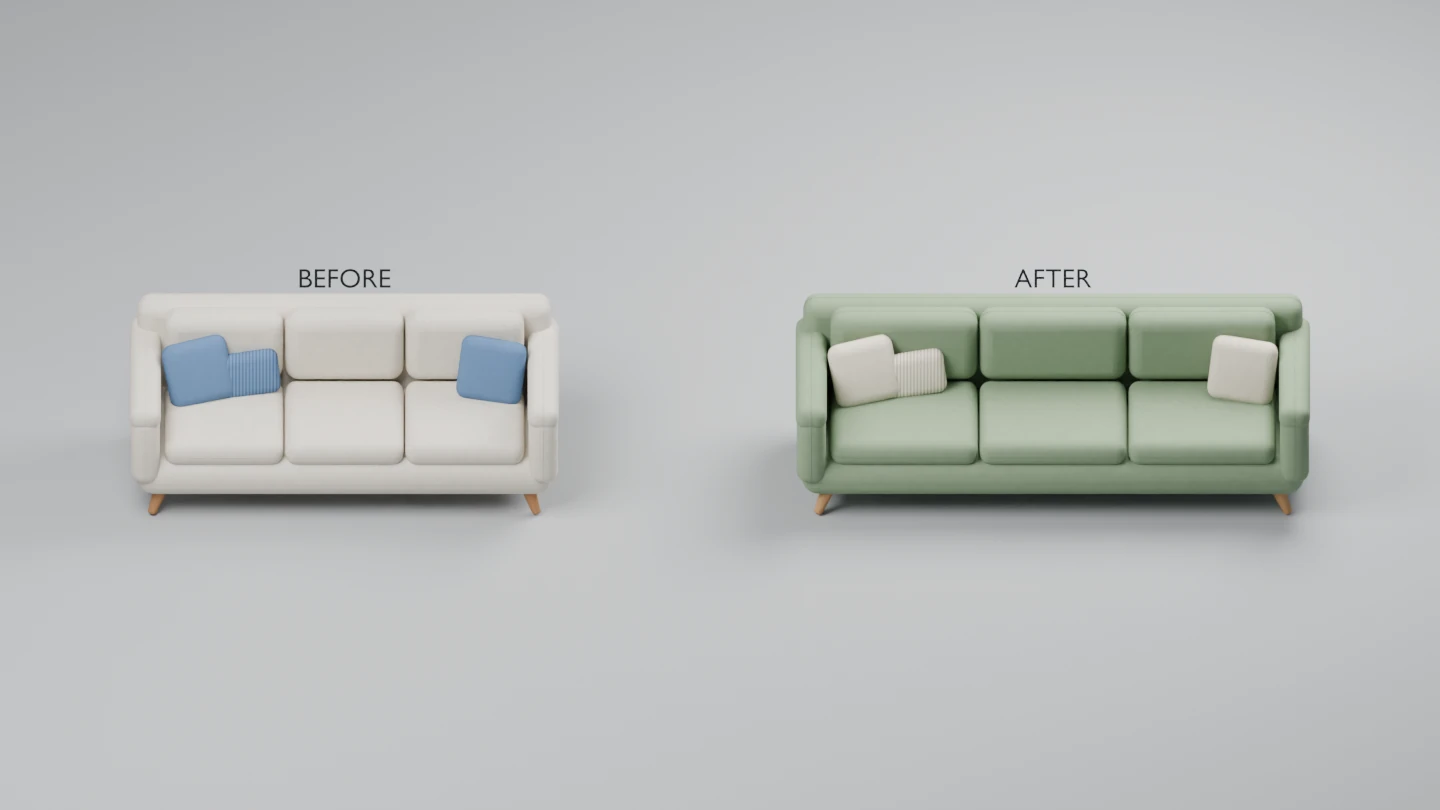
From a first room to a considered revision.
A captioned walkthrough rendered with Hearth 0.10.2. The workflow also applies to 0.10.7. This is a rendered demonstration, not a recording of the interface or a speed benchmark. Download the video · Get the free offline tutorial · Follow the written tutorial.
A workshop you can get to know.
Search for furniture, adjust a piece and keep a way back. The first-room tutorial walks you through your first scene.
See the actual Hearth interface
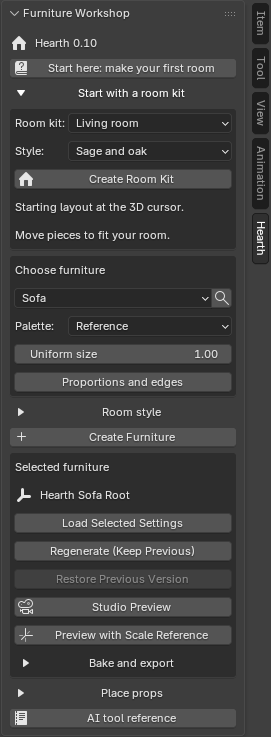
Need a hand with Hearth? Start with the first-room tutorial or email alex@stonefletcher.com.
Furniture workflows
Furnish a café · Import stylized furniture into Unreal · Create a coordinated room · Change furniture dimensions